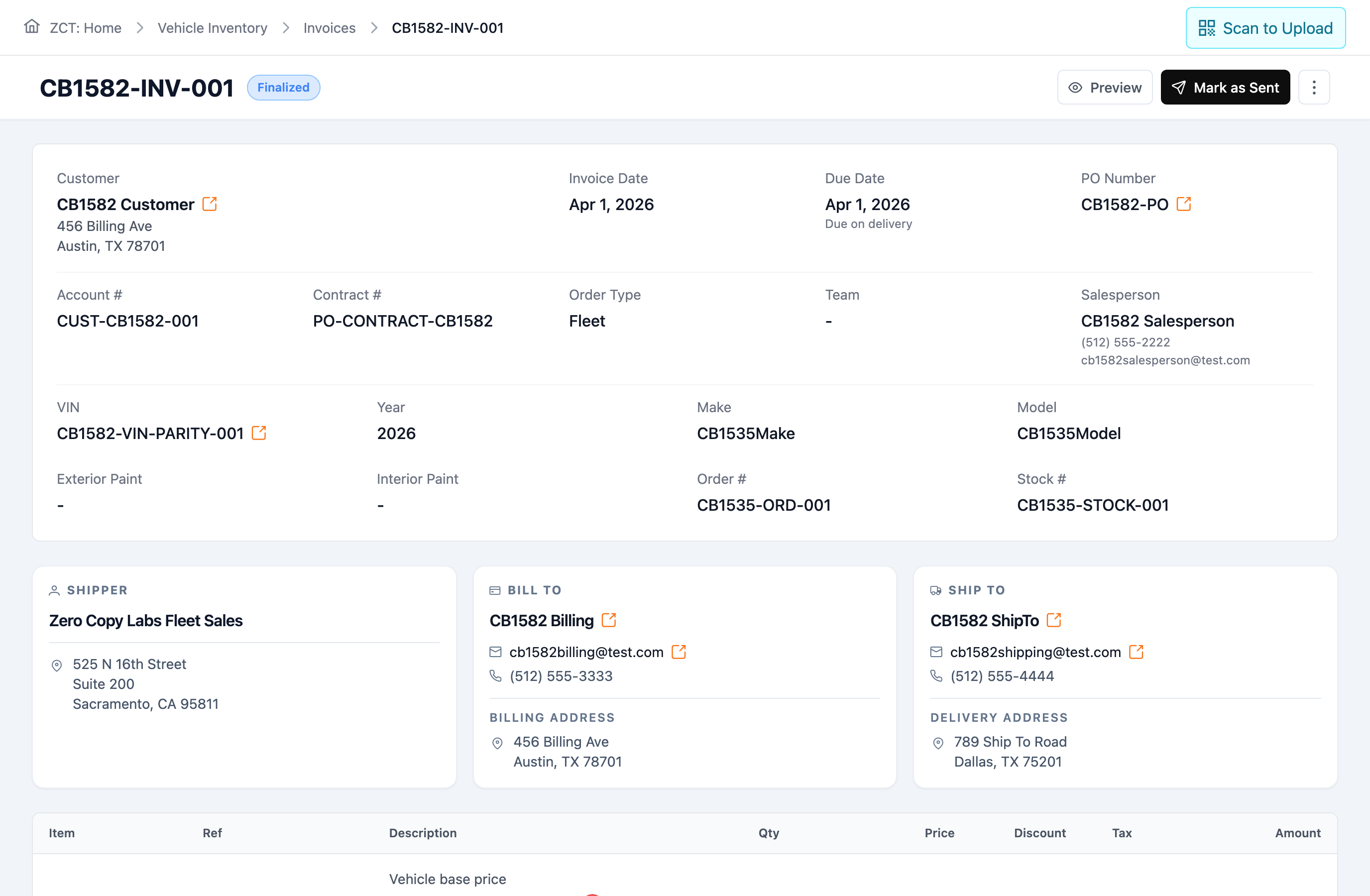
Quotes lose context.
Keep quote + customer together.
Use manufacturer guides and configured customer contract pricing to prepare commercial vehicle quotes.
Carbotic connects every step of your operation — from quote to delivery — so you can track, manage and deliver every vehicle with total confidence.
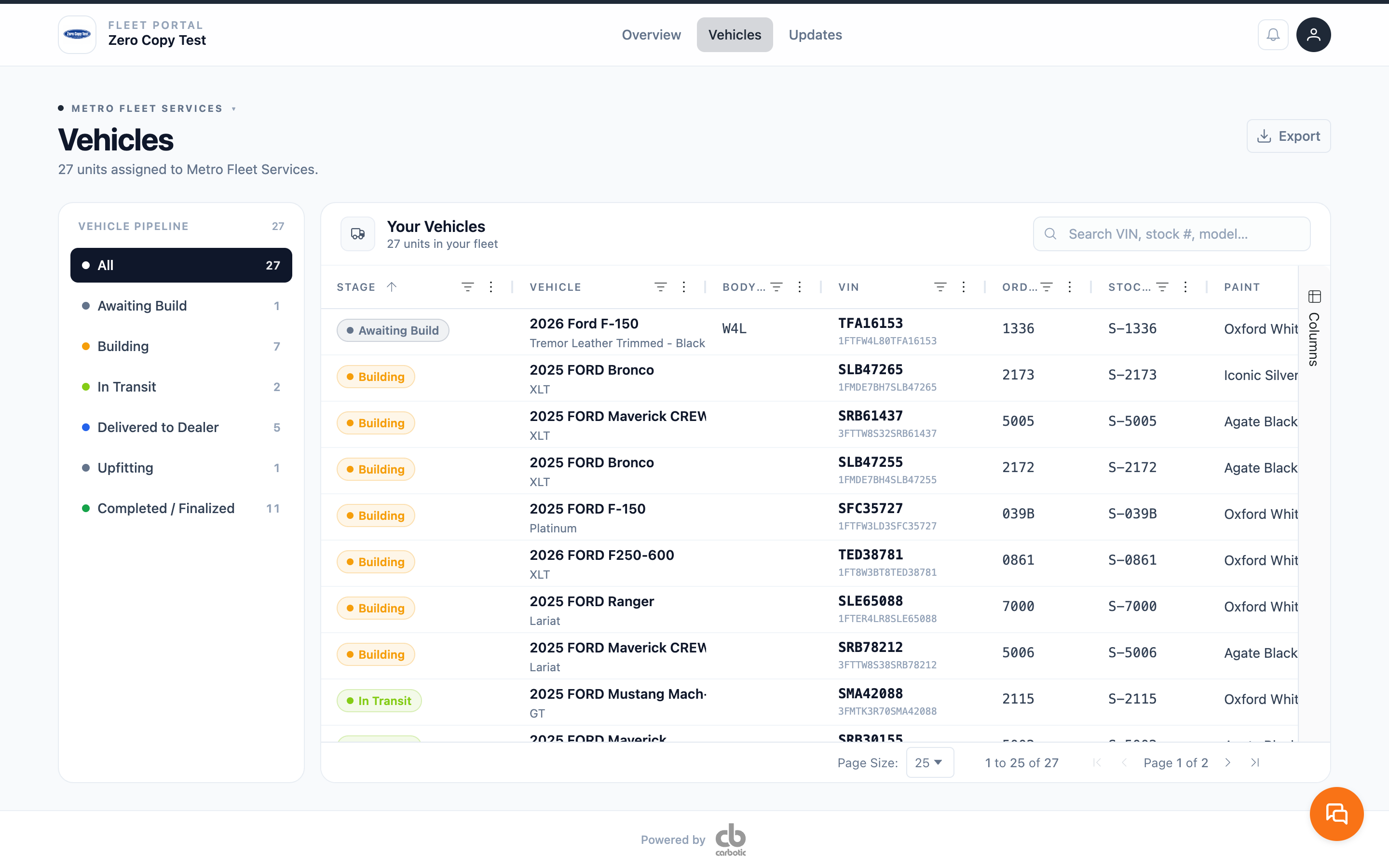
Six moments in one vehicle’s life, quote through billing. In each, what the next person needs is already on the record.
Quotes lose context.
Use manufacturer guides and configured customer contract pricing to prepare commercial vehicle quotes.
Every handoff restarts.
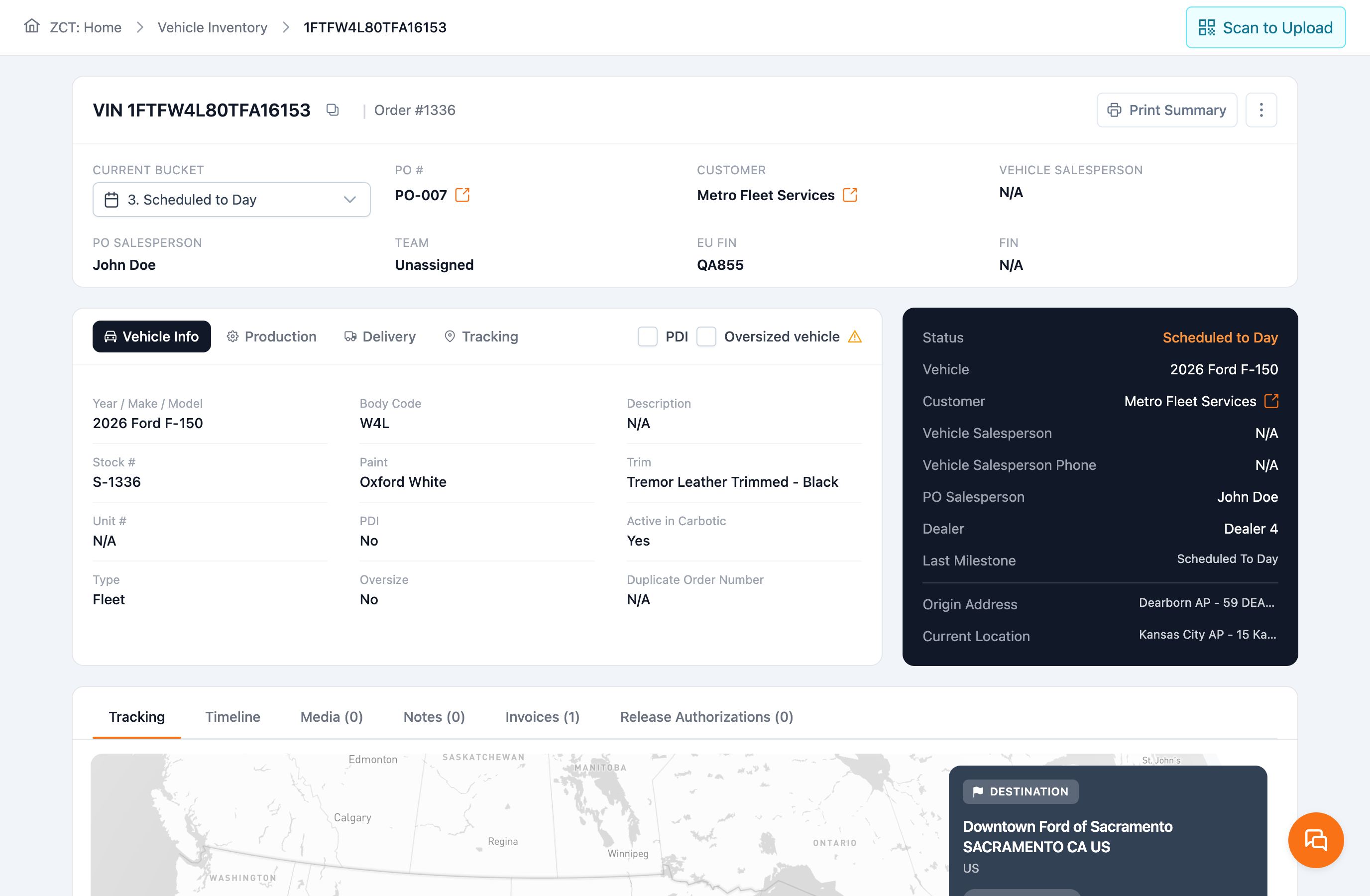
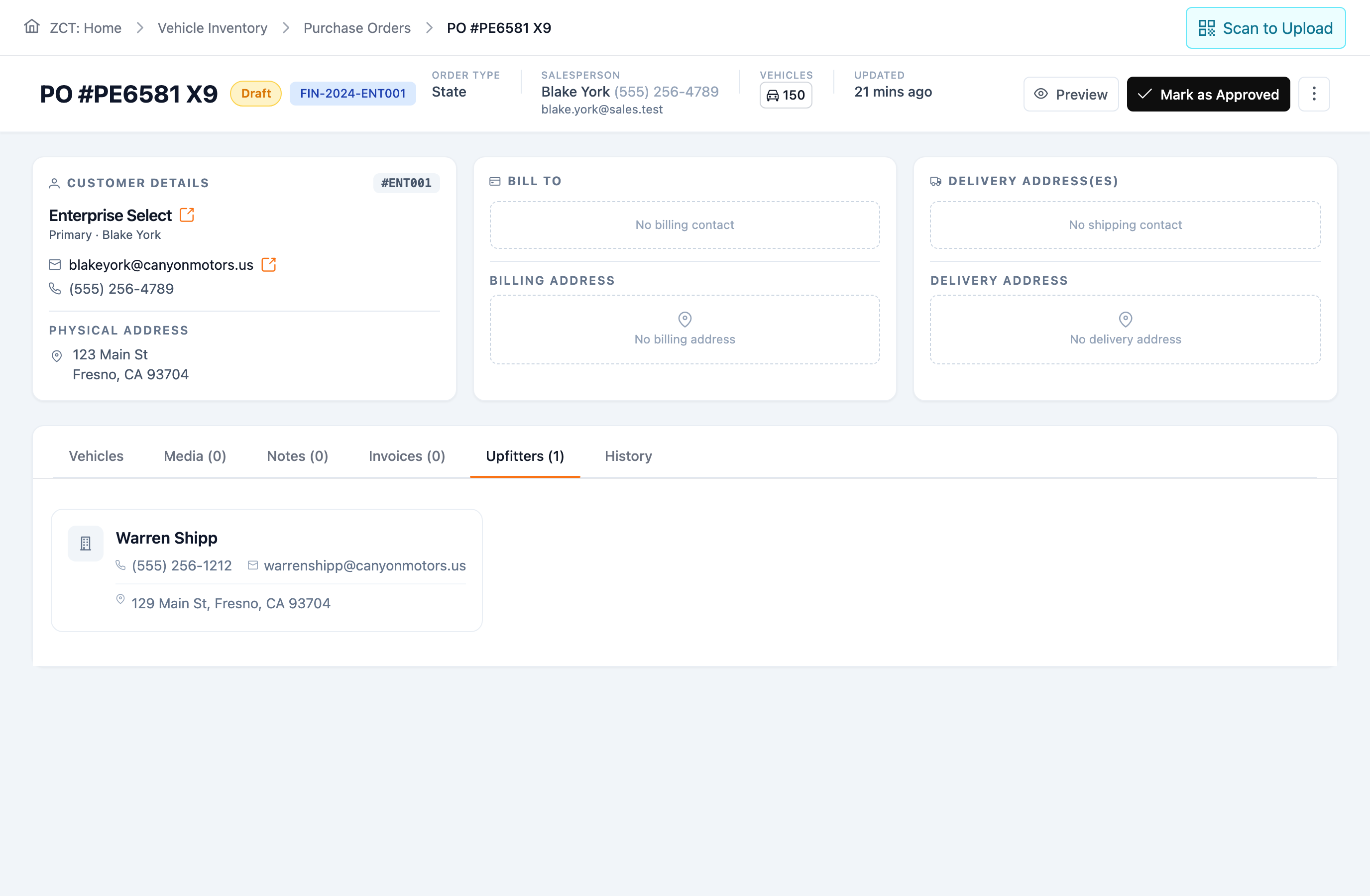
Keep customer, vehicle, purchase-order, contact, document, assignment, and history context together as an approved quote—or direct fleet order—becomes an order.
Status requires a search.
Use available lifecycle, factory, transport, location, and milestone context from configured sources to decide what needs attention and when.
Work splits by handoff.
Keep order stages, locations, upfit work, notes, contacts, documents, and available dates tied to the vehicle.
Customer updates start from scratch.
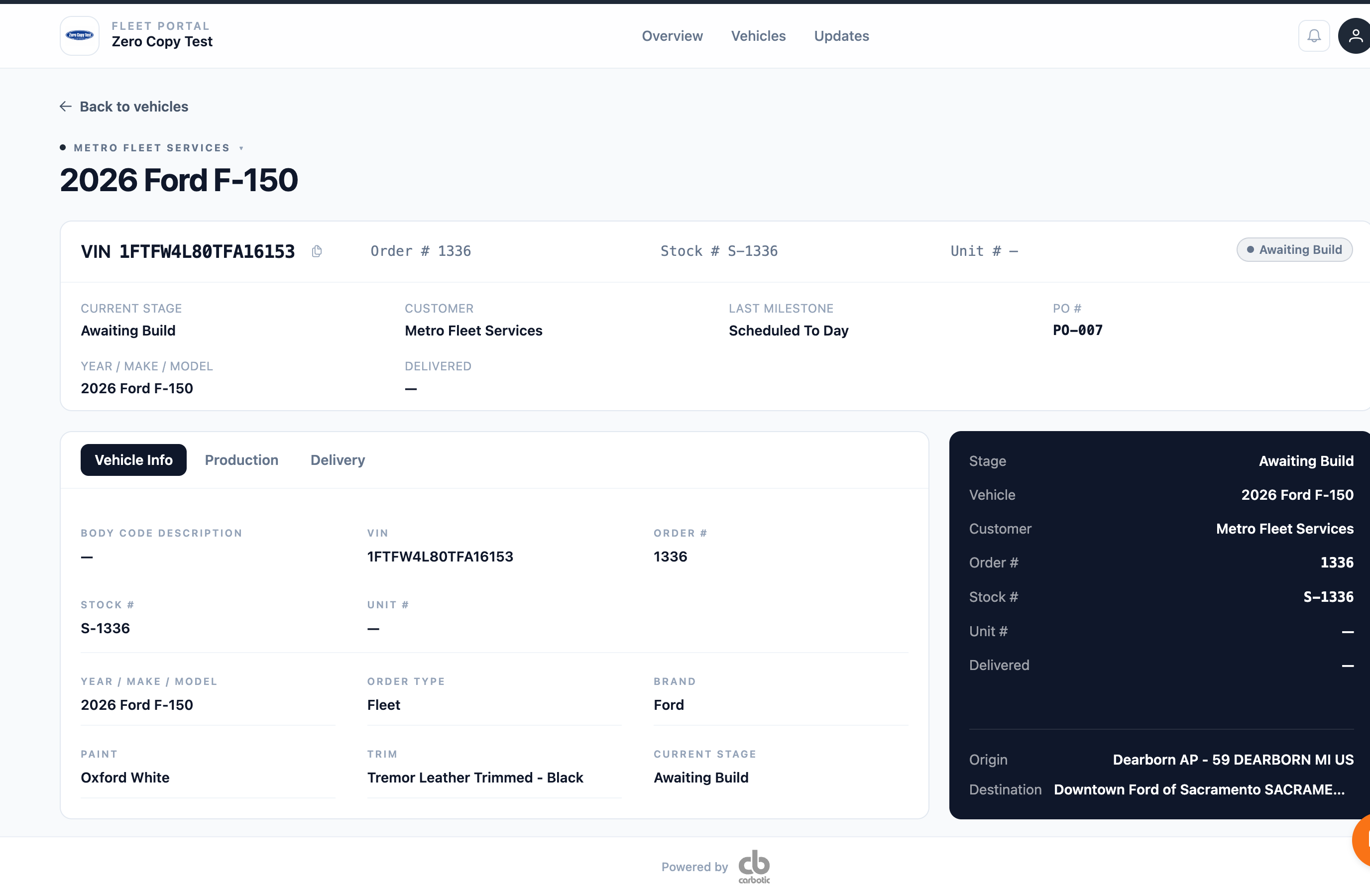
Coordinate customer updates and configured portal access using information the dealership has reviewed and chosen to share.
Billing loses the history.
Coordinate delivery readiness, scheduled and actual dates, invoices, and billing records while the DMS or accounting platform remains financially authoritative.
Every unit starts here — configured pricing, ready to become an order.
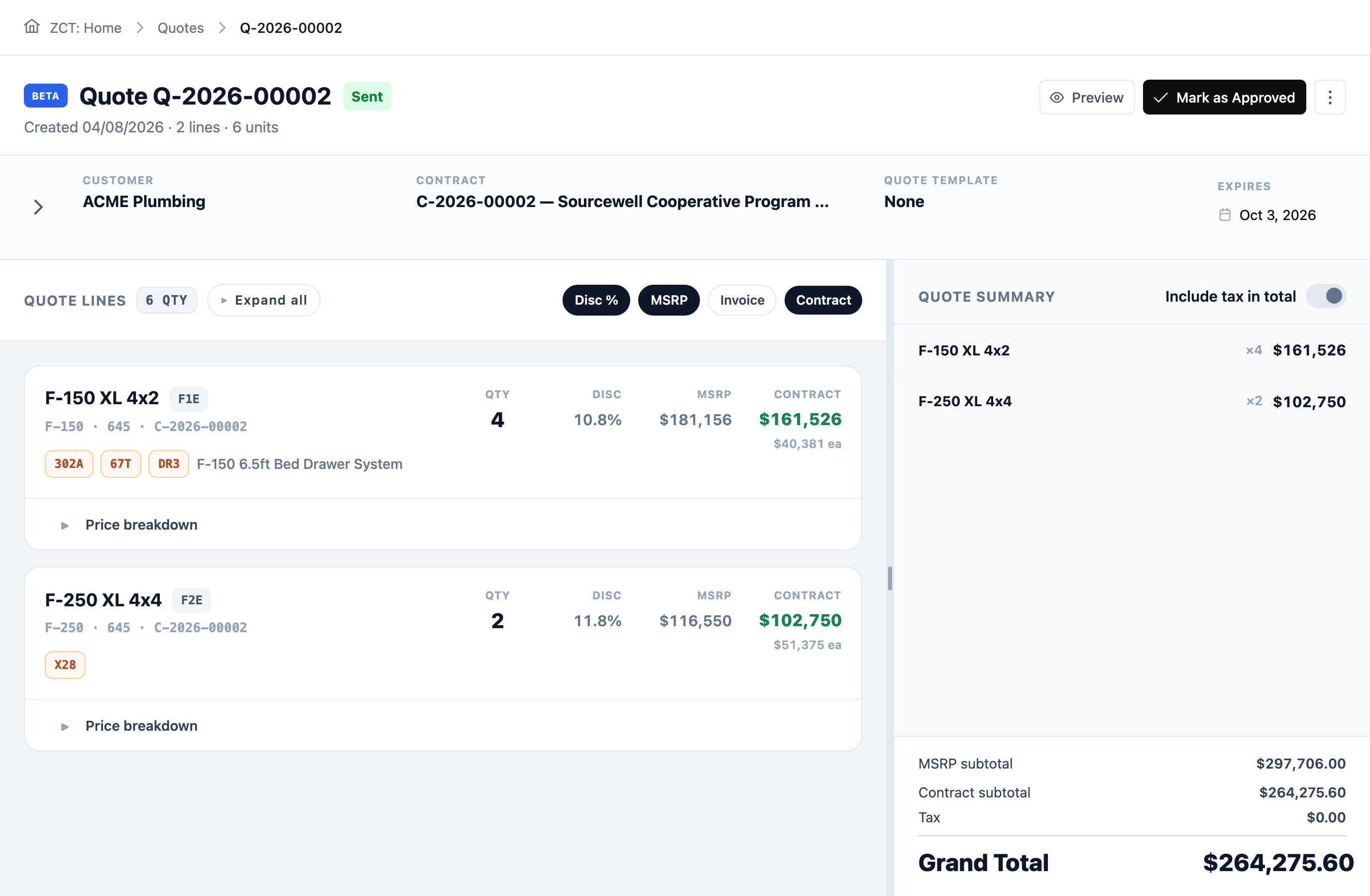 The deal, trackedSent and waiting. The quote’s state lives on the record, not in the salesperson’s memory.The terms, appliedCooperative contract pricing lands on every line. Nobody looks the discount up per unit.No VIN yetOption codes and a configuration, not a truck. Nothing here has been built, and the record still starts here.Accept, don’t re-keyThis total becomes the order as it stands. Nobody rebuilds the deal in a second system.
Carbotic connects to your DMS and to the manufacturer’s own order and recall feeds, syncing automatically so your data is always current. Forward an email, a PDF, a spreadsheet — Carbotic reads it and files it to the right record.
One vehicle, one operating record, and everything your team does day to day runs off it.

One record, created once and never rebuilt. Quote, OEM, PO, freight, upfit — it all lands there. No digging. No guessing. No being the last to know.
Prepare commercial vehicle quotes using manufacturer guides and configured customer contract pricing.
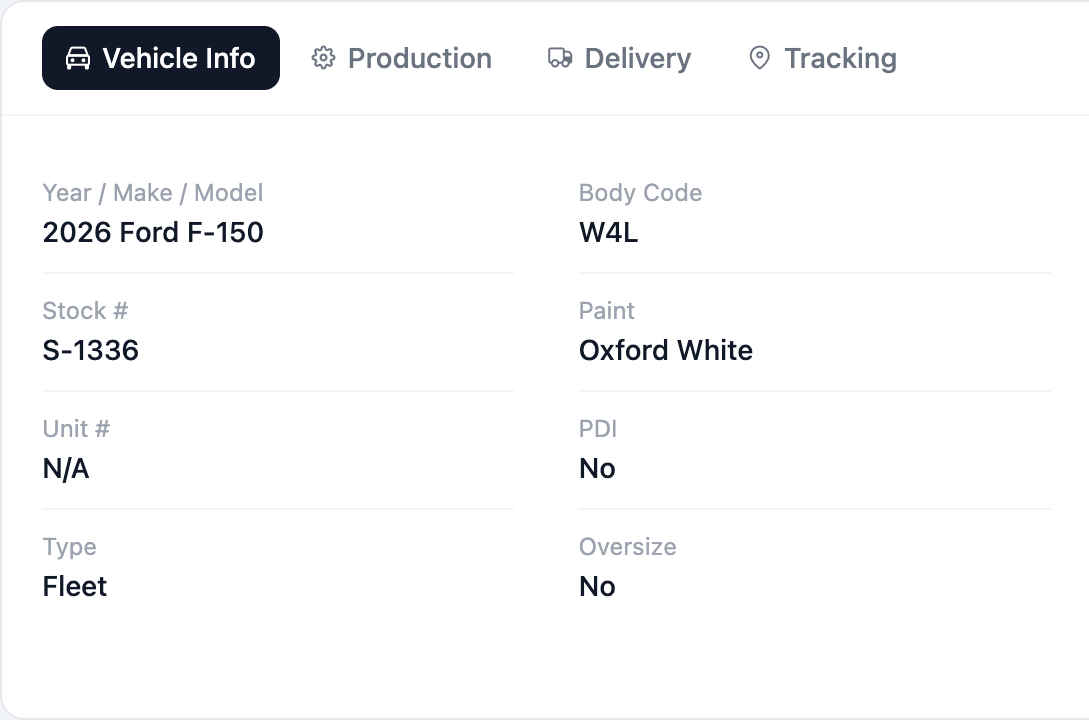
Capture approval and keep quote, customer, vehicle, and purchase-order context connected. Direct fleet orders enter here.
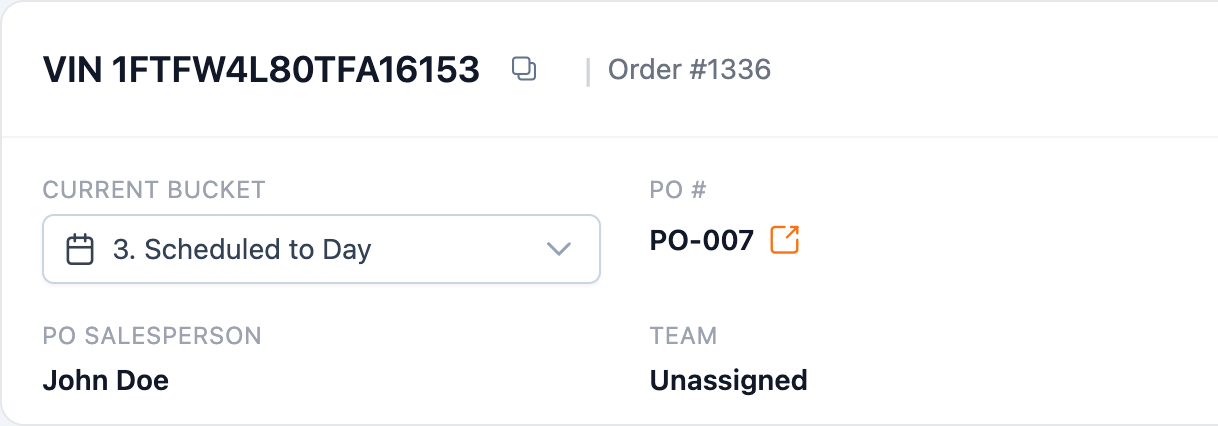
Follow available factory, build, shipping, location, and milestone information from configured sources.
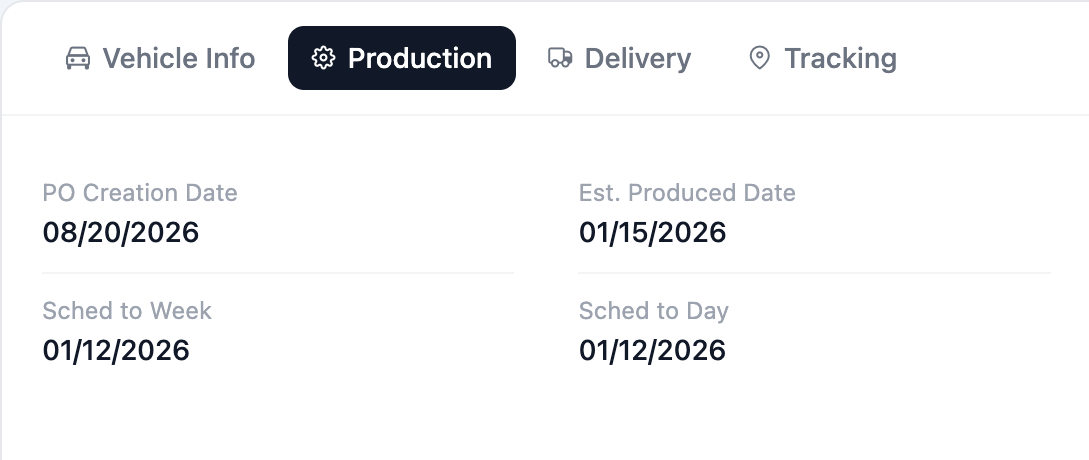
Coordinate configured upfit work and bring available progress context back to the vehicle record.
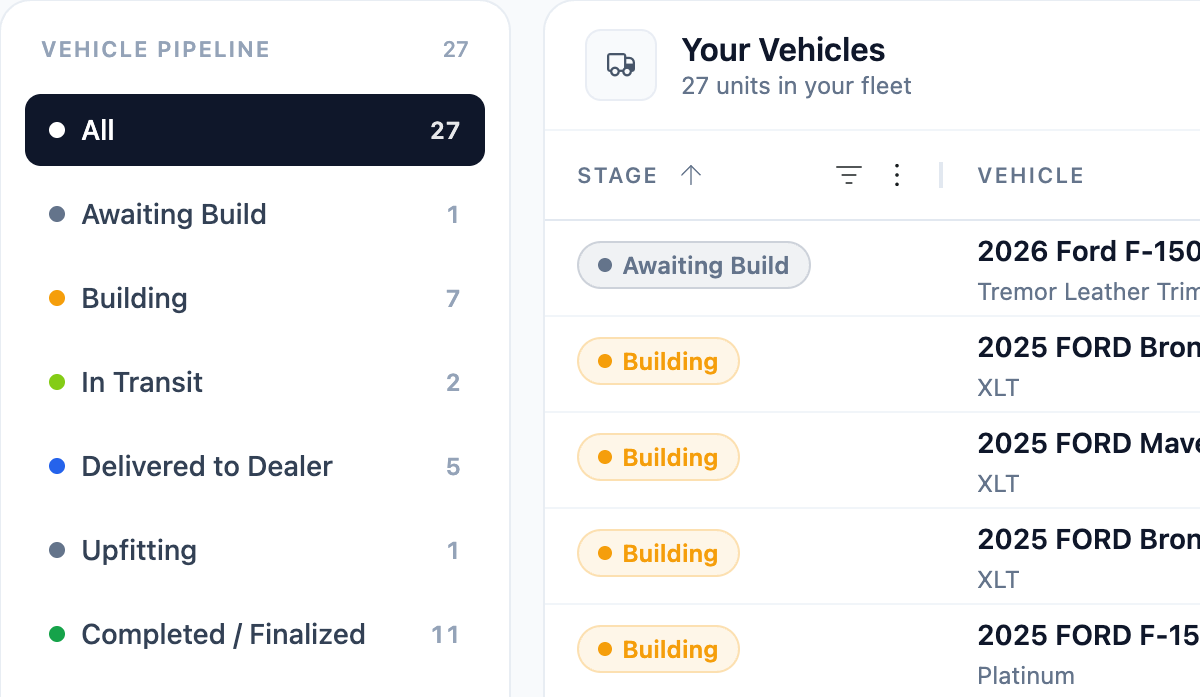
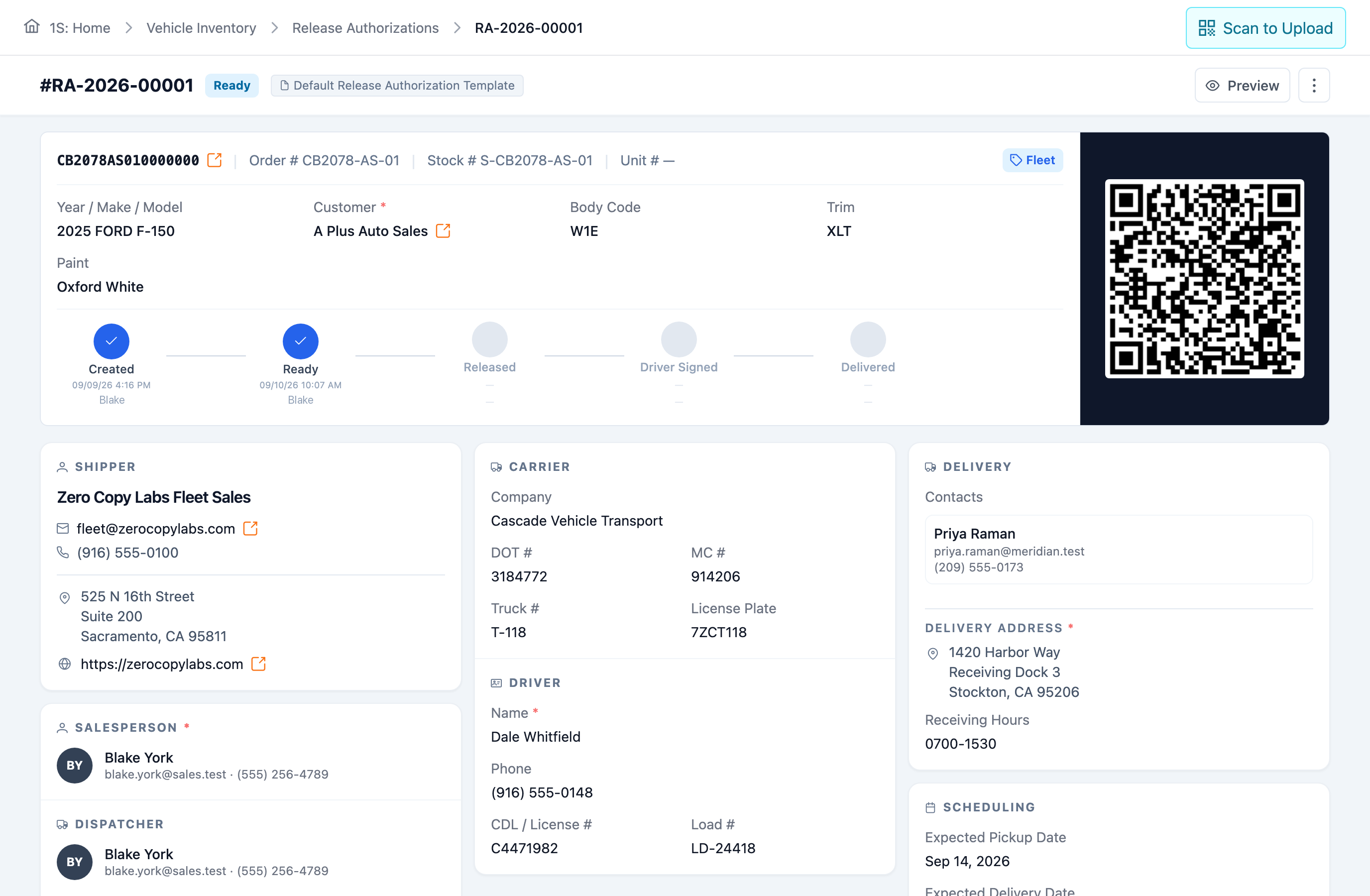
Coordinate delivery readiness, dates, invoices, and billing records while the DMS or accounting platform remains financially authoritative.
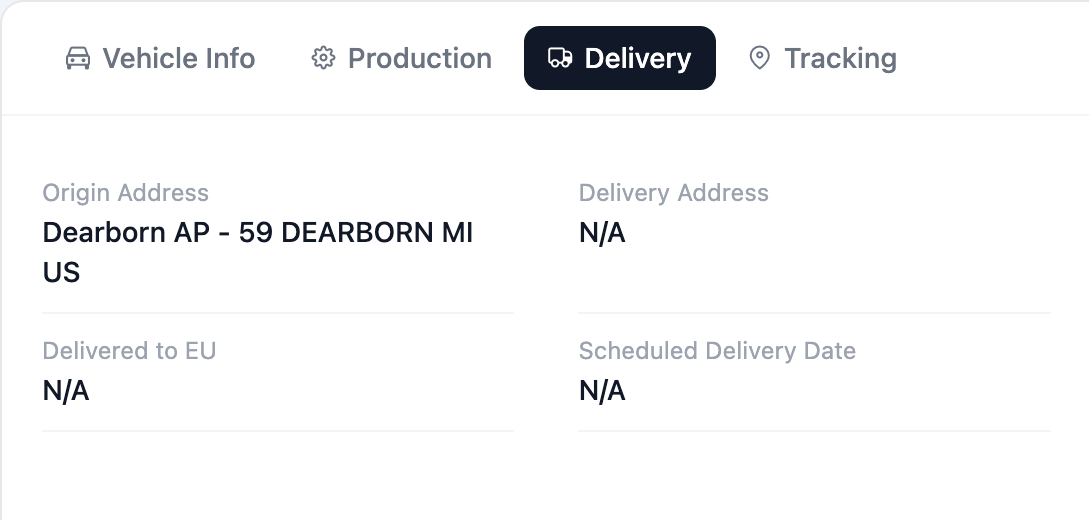
Carbotic connects directly to your DMS, OEM feeds, and accounting platform. Your DMS stays the financial system of record. OEM and logistics systems stay authoritative for their own data — Carbotic handles the operating work between them, where your team excels.
Early feedback from teams running Carbotic day to day.
“Carbotic gave us one place to see every order, from quote to delivery. Our team isn’t chasing status across three systems anymore.”

Real people, not a script — we'll walk through your quote-to-delivery workflow together, show where duplicate work and handoffs disappear, and talk through how Carbotic fits your team.